Tonefold Review (2026): Open-Source AI Music Composer with MIDI Output
Free open-source AI music composer for macOS and Windows: describe a song to Claude, edit every note in a piano roll, export MIDI or WAV
Category: audio · Pricing model: free (open source) · Official site: tonefold.vkfolio.com
What Tonefold does
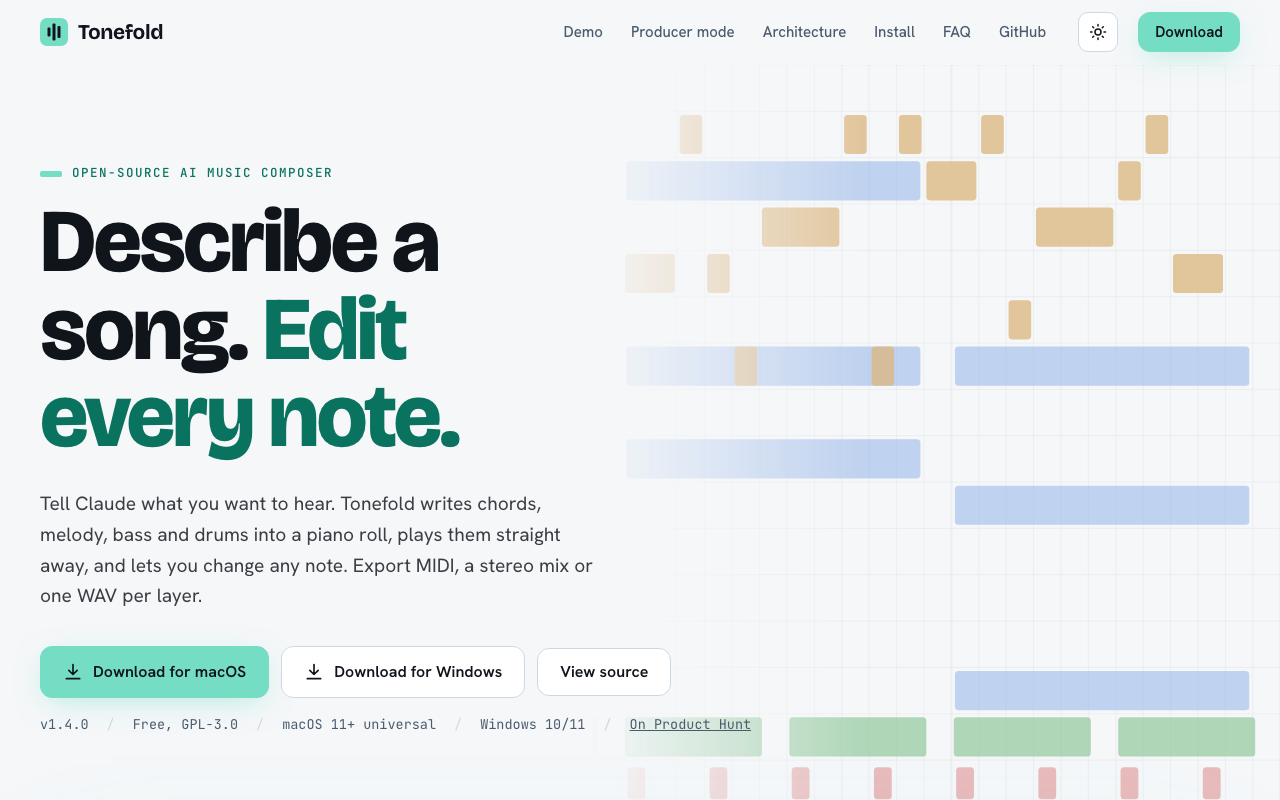
Tonefold is a free, open-source (GPL-3.0) desktop music composer for macOS 11+ (universal) and Windows 10/11. You describe what you want to hear in plain language — a melody, a mood, a change — and Claude writes chords, melody, bass, and drums into a piano roll that plays immediately. Every note is editable: draw, move, and resize notes, and click the keys to audition them. Work is organized into layers (chords, melody, bass, drums, pad, arp) that can be muted, locked, or dragged out as MIDI, and into song-structure sections (intro, verse, chorus, bridge, outro) with bars and roles. Export as MIDI, a stereo mix, or one WAV per layer. Tonefold was renamed from FLVSTX, which ran inside FL Studio as a plugin; it now ships as a standalone app. Current release: v1.4.0.
Who it’s for
Songwriters and producers who want an AI co-composer they can actually edit note by note — not a black-box render. It fits people who already think in MIDI and want an open-licensed, free composer that hands the notes back to them. Note: song generation runs through Claude, so you need a working Claude connection (see the project docs for setup).
Key features
- Plain-language song composition (chords, melody, bass, drums)
- Full piano-roll editor: draw, move, resize notes; audition keys
- Layered tracks with mute/lock; drag any layer out as MIDI
- Song-structure sections with bars and roles (intro → outro)
- Export: MIDI, stereo mix, or per-layer WAV
- Free and open source under GPL-3.0
- Standalone app for macOS and Windows (formerly the FL Studio plugin “FLVSTX”)
How to use Tonefold
- Download the app from tonefold.vkfolio.com (macOS or Windows).
- Describe the song you want to hear — melody, mood, or changes.
- Listen to the generated song; edit any note in the piano roll.
- Arrange sections (verse/chorus/bridge); lock the layers you like.
- Export MIDI into your DAW, or export a stereo mix or per-layer WAV.
Limitations
- Generation quality depends on Claude’s output; complex orchestration is beyond it.
- You must provide the Claude connection; the app is free, but model access is on you (check the docs).
- Desktop only — no web or mobile editor.
- It is a small, young project (a few dozen GitHub stars at check time).
- No built-in mastering or advanced mixing beyond layer export.
Pricing
Confirmed via the official site and GitHub on 2026-10-09: completely free, open source under GPL-3.0. No subscription, no credits, no paid tier. (Generation runs on Claude — see the project docs for how to connect it.)
Best for
Songwriters and producers who want a note-level, editable AI composer with MIDI export, under an open license, for free.
Alternatives
- Suno — full vocal songs from a prompt; generation-first, no note-level editing.
- ElevenLabs — voice and TTS focused, not music composition.
- Murf AI — a voiceover workflow, not a composer.
No comments yet. Be the first to share.