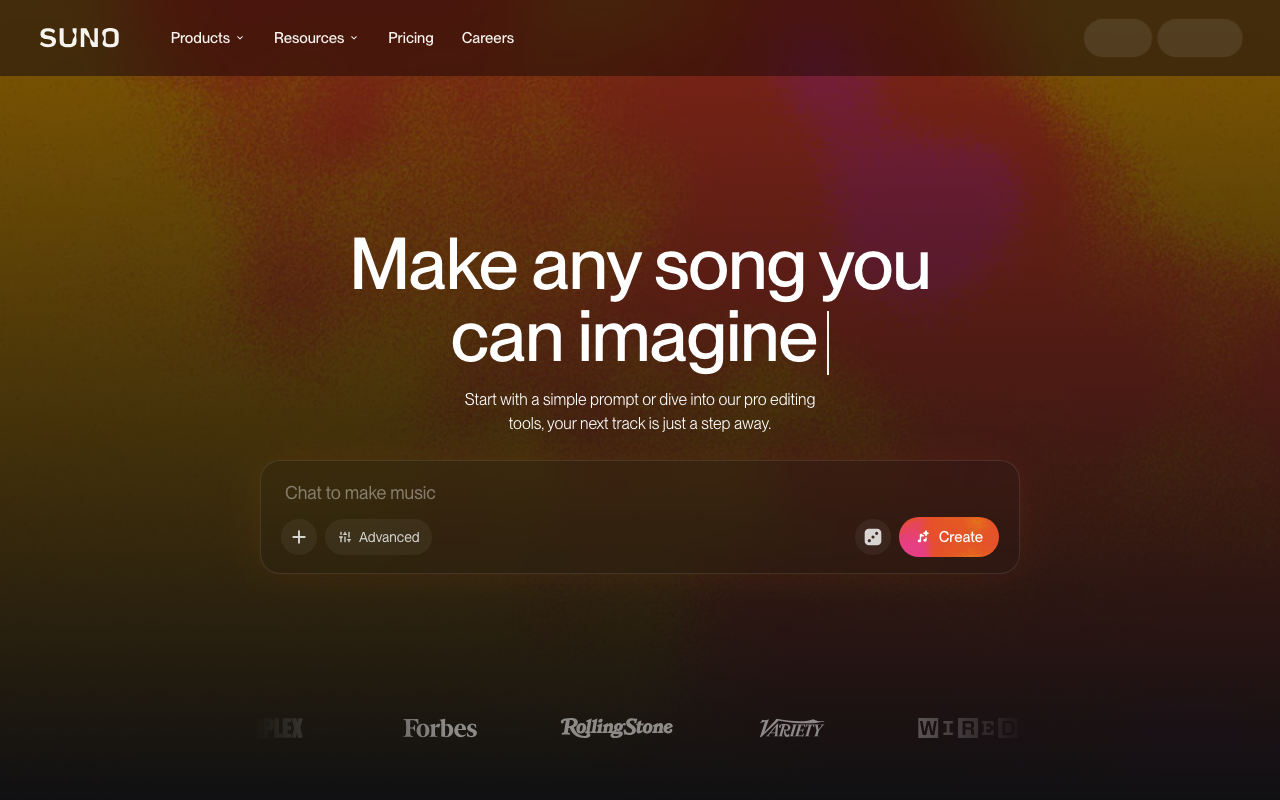
Suno Review (2026): AI Music Generation from Prompt to Finished Song
AI music generation studio that turns text prompts into full songs with vocals, across genres and languages
Category: audio · Pricing model: freemium · Official site: suno.com
What Suno does
Suno is a text-to-music generator that produces complete songs — vocals, melody, and full arrangement — from a short prompt or a pasted lyric. It covers a wide range of genres and languages, and the current model generation supports extended song structure (verses, choruses, bridges), stem separation, custom voice models, and an in-app studio (Suno Studio) that adds MIDI editing, effects, and automation. You can extend any generated song, add new vocals or instrumentals to an existing track, and upload your own audio (up to 8 minutes on the free tier, 30 minutes on Premier) for remixing.
Who it’s for
Musicians and content creators who need usable songs fast — demos, jingles, soundtrack beds, cover-style takes — without booking a studio. It also fits video makers, podcasters, and indie game developers who need licensed music. It is less suited to producers who want deep, sample-level control over every element of a mix; Suno is generation-first, not a DAW.
Key features
- Text-to-song with vocals across many genres and languages
- Lyric control: write your own or let Suno write it
- Song extension and section-level rearrangement
- Stem separation (auto, split-from-mix, and advanced split on higher tiers)
- Custom voice models and “record your own voice” workflows
- Suno Studio: MIDI, effects, automation, and design-your-own plugins
- Commercial use rights on paid plans
- Explore feed with community remixes
How to use Suno
- Sign up at suno.com; the free tier works without a credit card.
- Choose simple mode (prompt only) or custom mode (lyrics, style, and title).
- Generate — each run returns two candidate tracks.
- Pick the stronger one, extend it or rearrange sections, and download what you need.
- On paid plans, use stem separation and Suno Studio for final arrangement.
Limitations
- The free tier has no commercial rights and no monthly song downloads; anything you actually ship requires a paid plan.
- Included credits do not roll over day to day or month to month, so heavy generation burns a plan quickly.
- Vocal quality is uneven across genres; some styles and languages are less stable than others.
- You cannot reliably direct exact instrumentation or mix levels; it generates, it does not mix on command.
- AI-generated copyright is still murky in many jurisdictions; Suno’s commercial license is contractual, not a substitute for legal advice.
Pricing
Plans confirmed via the official pricing page on 2026-10-09: Free ($0, 50 credits/day, free models, shared queue, standard features, no commercial rights, no monthly downloads); Pro ($8/month billed monthly, 2,500 credits/month, 20 song downloads, commercial rights, priority queue, custom voice models); Premier ($24/month, 10,000 credits/month, 60 downloads, Suno Studio access, 30-minute audio uploads). Annual billing saves roughly 20%; paid plans can purchase top-up credits (top-up credits do not expire but require an active subscription). Prices exclude tax.
Best for
Creators who need finished, license-cleared songs from a prompt — especially demos, jingles, and background music where full studio production is not worth the cost.
Alternatives
- ElevenLabs — voice-first; far better for narration and voiceover, not full songs.
- Murf AI — TTS and voiceover workflows rather than music generation.
- Descript — audio/video editing from a transcript; the opposite side of the pipeline.
No comments yet. Be the first to share.