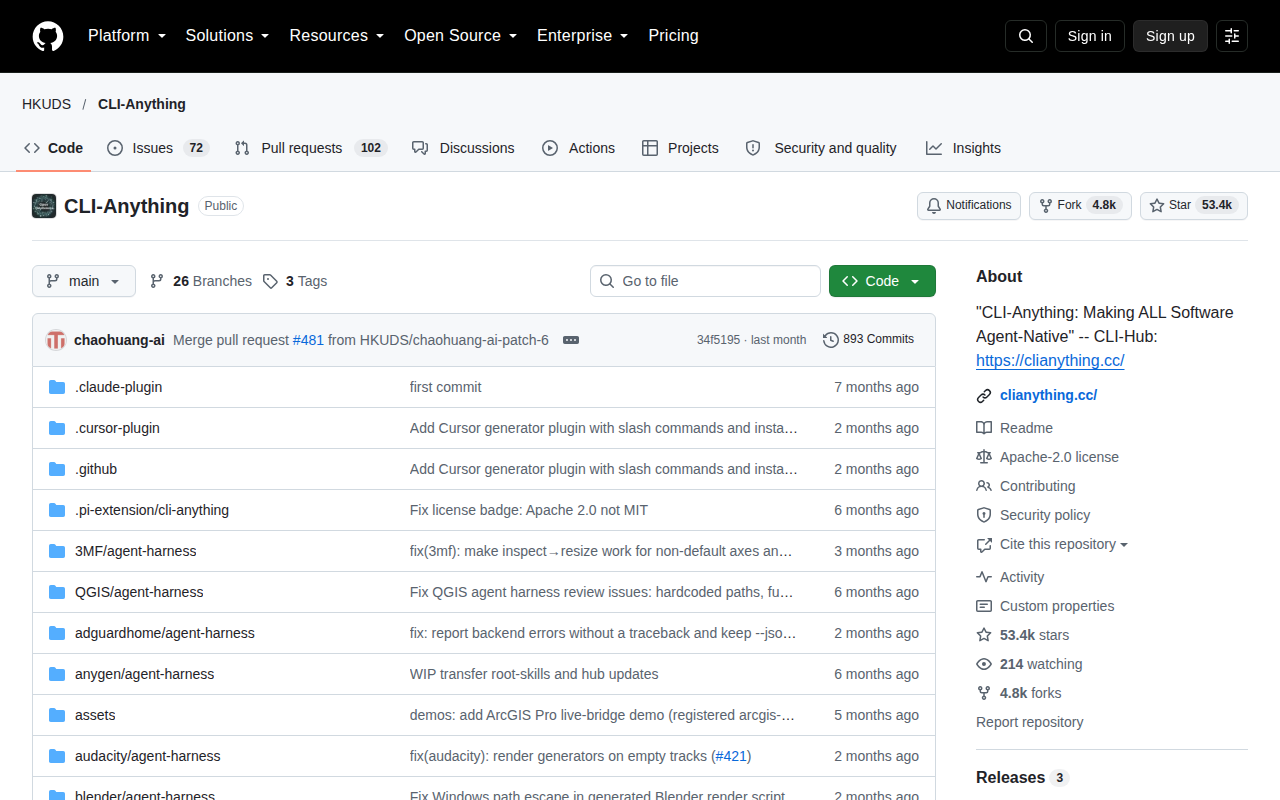
What is CLI-Anything?
CLI-Anything is a project from HKU Data Science Lab (HKUDS) that solves a specific problem: today’s software is built for human users (GUIs, point-and-click), but tomorrow’s users will be AI agents that need command-line interfaces to operate software.
The project provides a CLI-Hub — a registry of community-built CLI harnesses that wrap existing software (CAD tools, 3D engines, design apps, media tools) in agent-friendly command-line interfaces. You install a CLI harness, and suddenly your AI agent (Claude Code, Cursor, OpenClaw, or any other) can operate that software programmatically.
The tagline: “Today’s Software Serves Humans. Tomorrow’s Users will be Agents.”
Who uses it and why
- AI agent developers building autonomous workflows that need to interact with professional software (Fusion 360, Blender, AutoCAD, etc.) without a human in the loop.
- Researchers experimenting with agent-computer interaction. CLI-Anything gives you a standardized way to test how well different agents can operate complex software.
- Automation engineers who want to script professional software but don’t want to write their own API wrappers. The community has already built CLI harnesses for popular tools.
Key capabilities
- CLI-Hub registry —
pip install cli-anything-hubthencli-hub install <tool>to browse and install community-built CLI harnesses. The registry updates automatically as new PRs are merged. - Agent-native design — each CLI harness is designed for machine consumption: structured output, predictable exit codes, minimal ambiguity. Not a human-friendly wrapper, but an agent-friendly one.
- Community-driven — 50+ software tools already have CLI harnesses (CAD, 3D, media, GIS, development tools). You can request new ones via GitHub issues or contribute your own.
- Trajectory loops — agents can run CLI commands, observe results, adjust parameters, and iterate. This is what makes it useful for creative tasks (CAD builds, 3D scenes, diagrams) where the first attempt is rarely perfect.
- Open source — MIT license, hosted on GitHub. No account, no SaaS, no per-command fee.
Pricing
100% free. Open source, MIT license. You install CLI harnesses via pip and run them locally. No subscription, no API key, no paywall.
The cost is the underlying software itself (if you’re wrapping Fusion 360, you still need a Fusion 360 license) and your AI model API costs (if you’re using Claude or GPT to drive the agent).
China accessibility
ok — CLI-Anything is a local Python package. You install it from PyPI (accessible from mainland China) or directly from GitHub. The CLI harnesses run entirely on your machine. No cloud service, no account.
The HKUDS GitHub Pages site (CLI-Hub documentation) is accessible. The community registry updates in real-time as PRs merge.
Limitations (honest)
- Coverage is uneven — 50+ tools have CLI harnesses, but “50+” is a small fraction of professional software. If the tool you need isn’t in the registry, you build the harness yourself (or wait for the community).
- Quality varies — community-built means quality varies. Some CLI harnesses are production-ready; others are rough and need debugging. Check the issue tracker before committing to a tool.
- Not a replacement for native APIs — if the software you’re wrapping has a good official API (e.g., Blender’s Python API), using that directly is often better. CLI-Anything shines when the official API is undocumented, closed, or designed for humans not machines.
- Agent capability dependent — the quality of results depends heavily on your AI agent. A weaker model will struggle with complex CLI workflows even if the harness is well-built.
Alternatives
- Blender Python API — native scripting for Blender. Better than a CLI wrapper if you’re specifically automating Blender.
- AutoCAD .NET API — official API for AutoCAD automation. More powerful than a CLI, but requires C#/.NET development.
- ComfyUI — node-based GUI for AI image/video workflows. More visual, less CLI-focused, but useful for the same “agent operates creative software” use case.
- LangChain — general-purpose agent framework. You can build CLI-wrapping agents with LangChain, but CLI-Anything gives you ready-made harnesses instead of building from scratch.
Best for
AI agent developers and researchers who need to make professional software (CAD, 3D, GIS, media) accessible to autonomous agents. If you’re building an agent that needs to produce real artifacts (a CAD file, a 3D scene, a video) without human intervention, CLI-Anything is the most practical open-source path right now. If you just need to script a single tool with a good official API, use that API directly instead.
No comments yet. Be the first to share.