v0 Review (2026): Vercel’s Generative UI for React and Next.js
Vercel’s generative UI tool that turns prompts into production-ready React/Next.js interfaces, with visual editing and one-click deploys
Category: design · Pricing model: freemium · Official site: v0.app
What v0 does
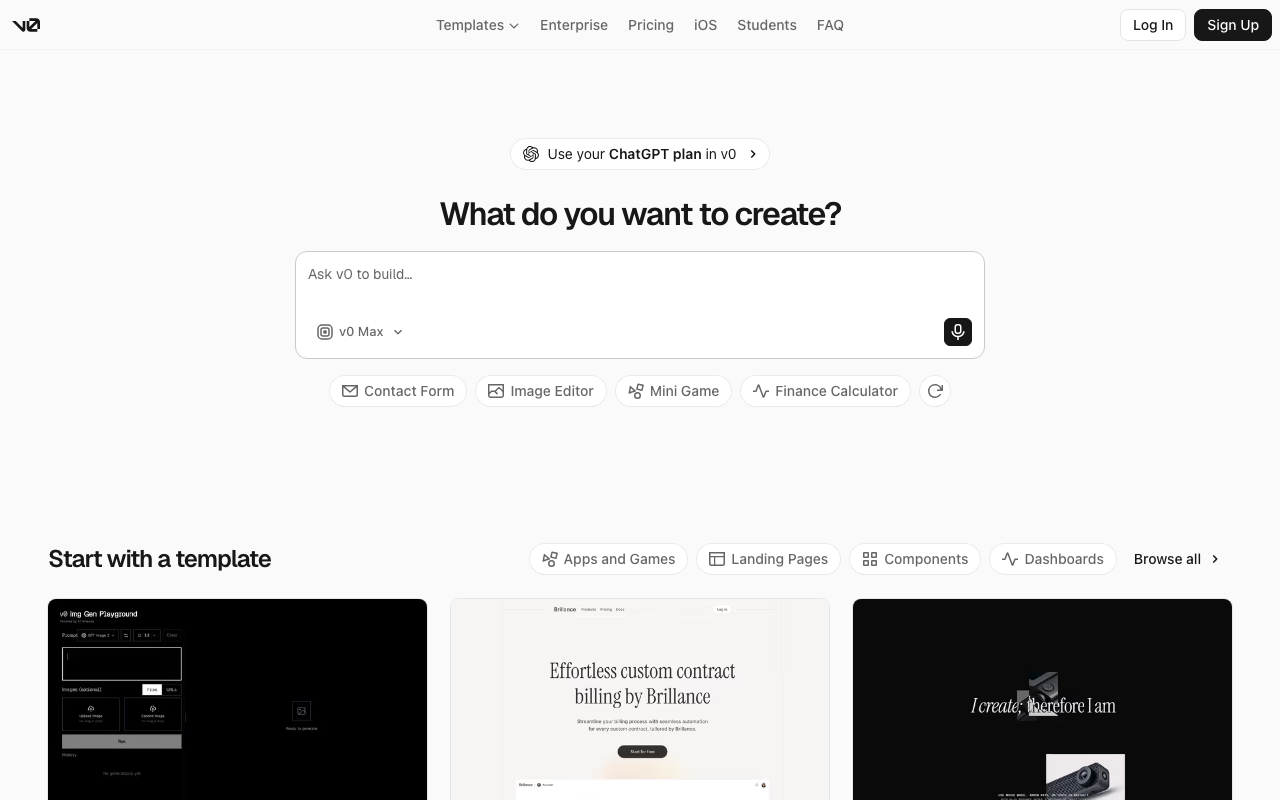
v0 is Vercel’s generative UI platform: you describe an interface (or an entire multi-page app) in a prompt, and it generates production-ready React and Next.js code with Tailwind CSS and shadcn/ui-style components. The output is real, readable code — not a locked-in design file — so you can push it to GitHub, deploy it to Vercel in one click, or drop the components into an existing codebase. Design Mode adds direct visual editing on top of the generated UI. v0 now ships its own model family (v0 Mini, Pro, Max, and Max Fast), each with different speed/quality trade-offs and token pricing.
Who it’s for
Frontend developers who want to skip the boilerplate and land on a working component or page, product teams that need clickable prototypes fast, and designers who can now produce real code artifacts instead of handoff files. It fits teams already in the Vercel/Next.js ecosystem best; the output still works anywhere React does.
Key features
- Prompt-to-UI generation (React, Next.js, Tailwind CSS)
- Full multi-page app generation, not just single components
- Design Mode: visual, in-place editing of generated UI
- GitHub sync and one-click Vercel deploy
- Proprietary v0 model family (Mini, Pro, Max, Max Fast)
- Team collaboration and centralized billing on paid plans
- Training opt-out by default on Business; data never used for training on Enterprise
- iOS app and student discounts
How to use v0
- Sign in at v0.app (Vercel, Google, or GitHub account).
- Prompt the UI you want, or start from a template.
- Iterate with follow-up prompts; refine visually in Design Mode.
- Push the code to GitHub or deploy straight to Vercel.
- Integrate the generated components into your own codebase as needed.
Limitations
- The free tier is capped at 7 messages per day — enough to evaluate, not to build.
- Beyond included credits, usage is billed per token, and context-heavy prompts accumulate input tokens fast; costs are usage-dependent rather than flat.
- Generated code is a strong starting point, but production hardening (auth, data layer, tests, accessibility) is still on you.
- The ecosystem leans Vercel (billing, deploys); export to GitHub is possible but the native path is Vercel-hosted.
- Vercel has reshuffled its plans over time (the old Ultra tier no longer exists), so treat third-party price guides with caution.
Pricing
Plans confirmed via the official pricing page on 2026-10-09: Free ($0, 7 messages/day, Vercel deploys, Design Mode, GitHub sync); Plus ($30/user/month, access to all models, $30 of monthly credits plus $2 of daily credits per user, additional credits shared across the team, centralized billing on vercel.com); Business ($100/user/month, everything in Plus plus training opt-out by default); Enterprise (custom, data never used for training, SAML SSO, role-based access, priority access without queues, guaranteed support SLAs). Usage beyond included credits is billed per token on the v0 model family (per 1M tokens, input/output): v0 Mini $0.20/$1.20, v0 Pro $2/$10, v0 Max $5/$25, v0 Max Fast $10/$50. Prices exclude tax.
Best for
Frontend and product teams in the React/Next.js ecosystem who want prompt-to-deploy UIs with real code output, and designers who need interactive artifacts instead of static mockups.
No comments yet. Be the first to share.