Staffcoder Review (2026): Real-World Coding Challenges in a Browser IDE
Hands-on coding challenges in a professional browser IDE: 1,000+ real-world problems across 40+ learning paths, from React to DevOps and agentic full-stack
Category: code · Pricing model: freemium · Official site: staffcoder.com
What Staffcoder does
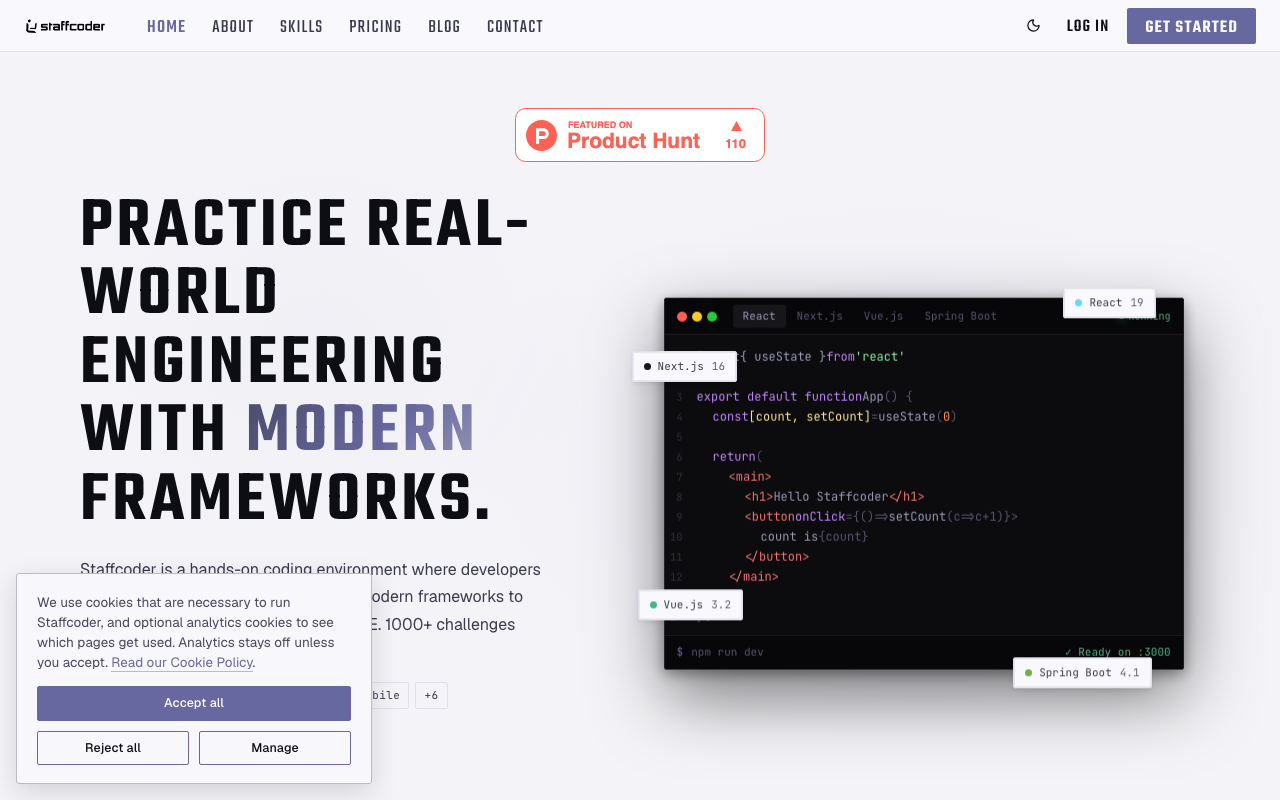
Staffcoder is a hands-on coding environment where you solve real engineering problems inside a professional browser IDE. It offers 1,000+ challenges across 40+ learning paths covering modern frameworks and tooling — React, Next.js, Vue, Spring Boot, Docker, Kubernetes, AWS, Kafka, Terraform, MCP, RAG, and agentic full-stack — with every plan running your code in a real framework environment rather than a mock. The pitch is “build like a real engineer”: the same skills engineering teams actually hire for, practiced against production-style problems. It is a product of Shastack India Technologies (OPC) Private Limited.
Who it’s for
Developers (junior through mid-level) who want to level up with production-style problems instead of toy puzzles; people switching into software engineering who need structured practice; and teams that want to onboard, practice, and assess engineers on real frameworks (Team plan adds seats, dashboards, and onboarding).
Key features
- 1,000+ challenges across 40+ learning paths
- Professional browser IDE that runs your code in real framework environments
- Framework-first: React 19, Next.js 16, Vue 3.2, Spring Boot 4.1 and more
- DevOps and AI tracks: Docker, Kubernetes, AWS, Terraform, Kafka, MCP, RAG, agentic full-stack
- Learning paths with free starter modules and certification-ready tracks (Pro)
- Progress tracking, streaks, and contests
- AI-assisted tracks (introductory offer; may change)
- Team: seats, central billing, progress dashboards, onboarding and priority support
How to use Staffcoder
- Sign up at staffcoder.com (free plan, no card needed).
- Pick a learning path (e.g., React, Next.js, AI Engineer).
- Solve challenges in the browser IDE; your code runs in a real framework environment.
- Upgrade to Pro for solution unlocks, contests, and certification-ready tracks.
- For teams: set up seats and track progress with the dashboards.
Limitations
- The free tier includes only 1 hour of session time a week — enough to sample, not to progress.
- Pro’s “unlimited sessions” is subject to fair use.
- AI access on the free tier is an introductory offer that may change.
- It is a practice platform — you build skills, not shipping products; there is no production deployment here.
- Solutions (a key Pro benefit) are hidden on the free tier.
Pricing
Plans confirmed via the official pricing page on 2026-10-09: Free ($0/month — practice challenges across every framework, learning paths with free modules, 1 hour of session time a week, progress tracking and streaks, AI-assisted tracks as an introductory offer); Pro ($10/month monthly, save 33% on the annual plan — everything in Free plus solution unlocks, personalized support, access to contests, certification-ready tracks, and unlimited sessions subject to fair use); Team (custom — seats and central billing, team progress dashboards, onboarding support for your stack, priority support; sized at 2–10 / 11–50 / 51–200 / 200+). Prices exclude tax.
Best for
Developers who want framework-first, production-style practice in real environments, with certification paths — and teams that want structured, trackable upskilling.
Alternatives
- Replit — a cloud dev environment for actually building and shipping apps.
- Cursor — an AI-first editor for everyday coding work.
- GitHub Copilot — in-IDE assistance while you work in your own repo.
No comments yet. Be the first to share.