Loom Review (2026): Async Video Messaging with AI Titles, Chapters, and Notes
Async video messaging with AI auto-titles, summaries, chapters, meeting notes, and transcript-based editing
Category: productivity · Pricing model: freemium · Official site: loom.com
What Loom does
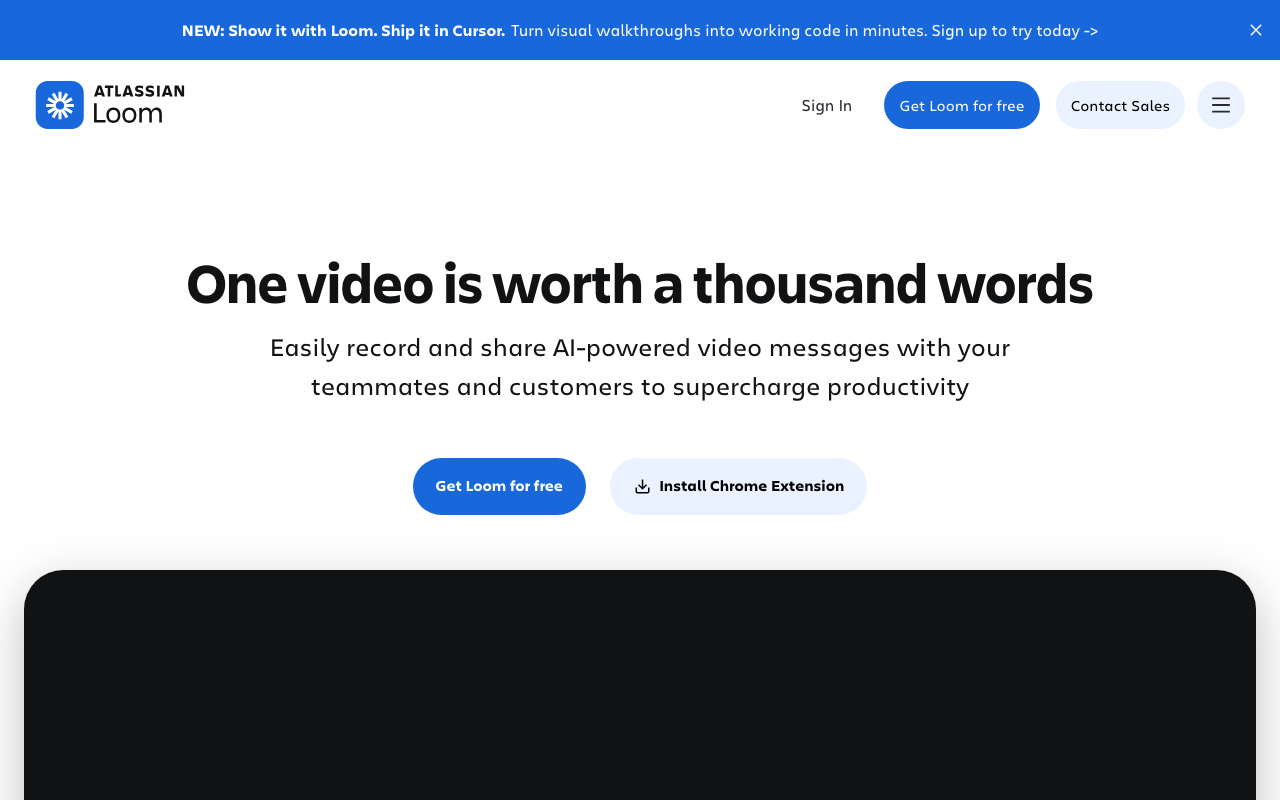
Loom is an async video messaging tool: you record your screen plus a small camera bubble, and share the result as a link instead of scheduling a call or writing a long email. Reviews, updates, walkthroughs, and onboarding become short videos people can watch at their own speed. The 2026 lineup layers “Loom AI” on top: auto titles, summaries, chapters, CTAs, and tasks extracted from the video, filler-word and silence removal, auto-enhancement, transcript-based editing, and — for meetings — automatic meeting notes and recap emails. Transcription covers 50+ languages even on the free tier.
Who it’s for
Distributed teams that live in Slack and email and would rather send a 3-minute video than book a call. Individual creators use it for product demos, client updates, and Loom-style documentation. It is not a tool for producing marketing or social videos — for that, a video generation or editing platform is the better fit.
Key features
- Screen + camera-bubble recording as a shareable link
- Free transcriptions and closed captions in 50+ languages
- Loom AI (paid tier): auto titles, summaries, chapters, CTAs, tasks
- Filler-word and silence removal, auto video enhancement
- Transcript-based editing and trim/stitch
- Auto meeting notes and recap emails (Business + AI tier)
- Viewer and engagement analytics
- Deep integrations: Slack, Jira, GitHub, Gmail, Notion embeds and more
- 4K recording on paid tiers; password-protected videos; custom branding
How to use Loom
- Install the browser extension or desktop app and sign up.
- Record screen and camera (or import an existing video on paid plans).
- Share the link or drop it into Slack/email; Loom generates the thumbnail and transcript.
- On the AI tier, let Loom write the title, summary, and chapters for you.
- Use comments and emoji reactions for the follow-up discussion.
Limitations
- Loom AI features require the Business + AI tier; the cheaper Business plan has none of them.
- The free tier is tight: 25 videos, 5 minutes each, 720p, 50 members.
- Editing is lightweight (trim, stitch, waveform, transcript edits) — it is not a video editor.
- Per-seat pricing adds up for large teams; solo users pay the same seat price as enterprises.
- Meeting features depend on browser extension setup; recording someone else’s call raises consent considerations.
Pricing
Plans confirmed via the official pricing page on 2026-10-09: Starter ($0, 25 videos, 5 minutes per video, 720p, transcriptions in 50+ languages, up to 50 members); Business ($18/user/month, unlimited videos and recording time, 4K, basic waveform editing, branding removal, upload/download); Business + AI ($24/user/month, everything in Business plus the full Loom AI feature set: auto CTA/titles/summaries/chapters/tasks, filler-word and silence removal, transcript editing, auto meeting notes and recap emails); Enterprise (custom, SSO/SAML, SCIM, Salesforce integration, 99.95% uptime SLA, dedicated support). Prices exclude tax; annual billing discounts available.
Best for
Teams and creators who communicate through short async videos and want AI to handle the metadata — titles, summaries, chapters, meeting notes — so the videos are actually findable and actionable.
No comments yet. Be the first to share.