Gemini Notebook Review (2026): Source-Grounded AI Research Assistant (formerly NotebookLM)
Google’s AI research assistant (formerly NotebookLM) that chats with your sources and turns them into briefings, audio and video overviews, slides, and quizzes
Category: productivity · Pricing model: freemium · Official site: notebooklm.google.com
What Gemini Notebook does
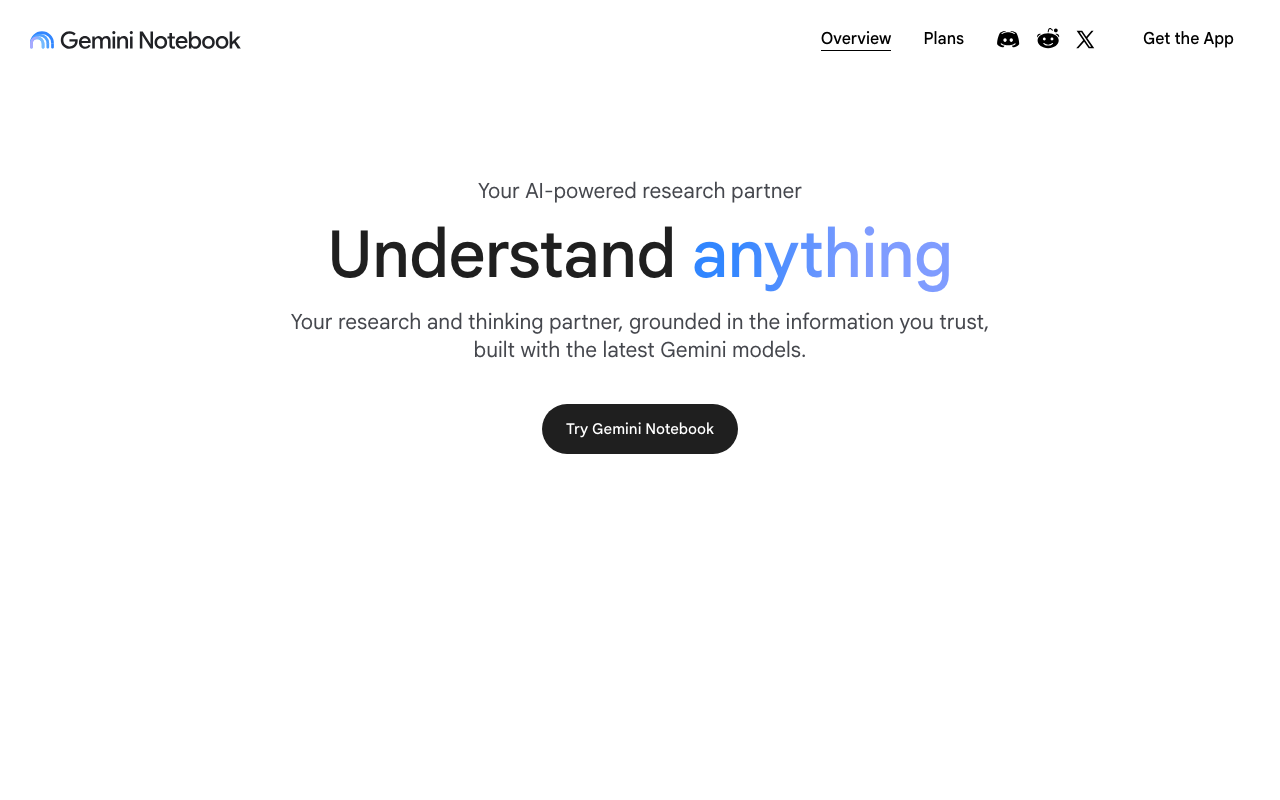
Gemini Notebook (formerly NotebookLM) is Google’s source-grounded research assistant. You add your own material — PDFs, web pages, YouTube videos, audio files, Google Docs, and Google Slides — and it answers questions strictly from that material, with inline citations so you can check every claim. The same notebook can then be turned into digestible formats: Audio Overviews (two-host podcast-style summaries), Video Overviews, study guides and briefings, mind maps, flashcards and quizzes, infographics, slide decks, and full reports. It supports 80+ languages and works in a mobile app as well as the web.
Who it’s for
Students studying from lecture recordings and papers, researchers organizing a literature set, analysts digesting reports and data dumps, and professionals who run a meeting-recording habit and want a grounded summary instead of re-listening. The citation-first design makes it trustworthy for work you will share or build decisions on. It is not a general chatbot: it will not answer questions that fall outside the sources you added.
Key features
- Source-grounded chat with inline citations (PDFs, web, YouTube, audio, Docs, Slides)
- Audio Overviews and Video Overviews generated from your notebook
- Study guides, briefings, mind maps, flashcards, and quizzes
- Infographics, slide decks, and full report generation
- 80+ languages
- Public notebooks, featured notebooks, and a community
- Mobile app (availability varies by region)
- Workspace editions with admin controls and no training on user data
- “Generate later” queue when you hit a usage limit
How to use Gemini Notebook
- Open notebooklm.google.com with a personal (or work/school) Google account.
- Create a notebook and add sources — links, files, or YouTube videos.
- Ask questions in chat; answers come grounded in your sources with citations.
- Generate the outputs you need: an Audio Overview to listen on a commute, a slide deck for a meeting, flashcards for study.
- Track your remaining usage under Settings → Usage.
Limitations
- Answers are confined to your sources by design — it will refuse or guess-poorly outside them, so curate the notebook carefully.
- Usage limits are compute-based: the quota refreshes every 5 hours up to a weekly limit, and heavy generation (long audio/video overviews) burns it fast.
- The product was renamed from NotebookLM, so older guides and third-party integrations may reference the old name or URLs.
- Under-18 accounts face stricter content policies, and the mobile app’s availability differs by country.
- Work/school accounts may require an admin to enable access.
Pricing
Free with a Google account, with compute-based usage limits (quota refreshes every 5 hours up to a weekly cap). Higher limits come from Google’s AI subscription tiers, confirmed via Google’s help documentation on 2026-10-09: AI Plus (2× standard limits), AI Pro (4×), AI Ultra (5×–20× depending on the subscription). Subscription prices are set on Google’s AI plans page and vary by region and promotion — check current pricing before choosing a tier. No separate per-feature fees.
Best for
People who work from their own documents and recordings and want cited answers plus generated briefings, overviews, and study material — without the answers drifting into the model’s general knowledge.
Alternatives
- Perplexity — live web research with cited answers; the opposite model (open web vs. your private sources).
- Notion AI — a flexible workspace with AI assistance, but not source-grounded by design.
- Otter.ai — transcription-first for meetings; no research or multi-format generation.
No comments yet. Be the first to share.